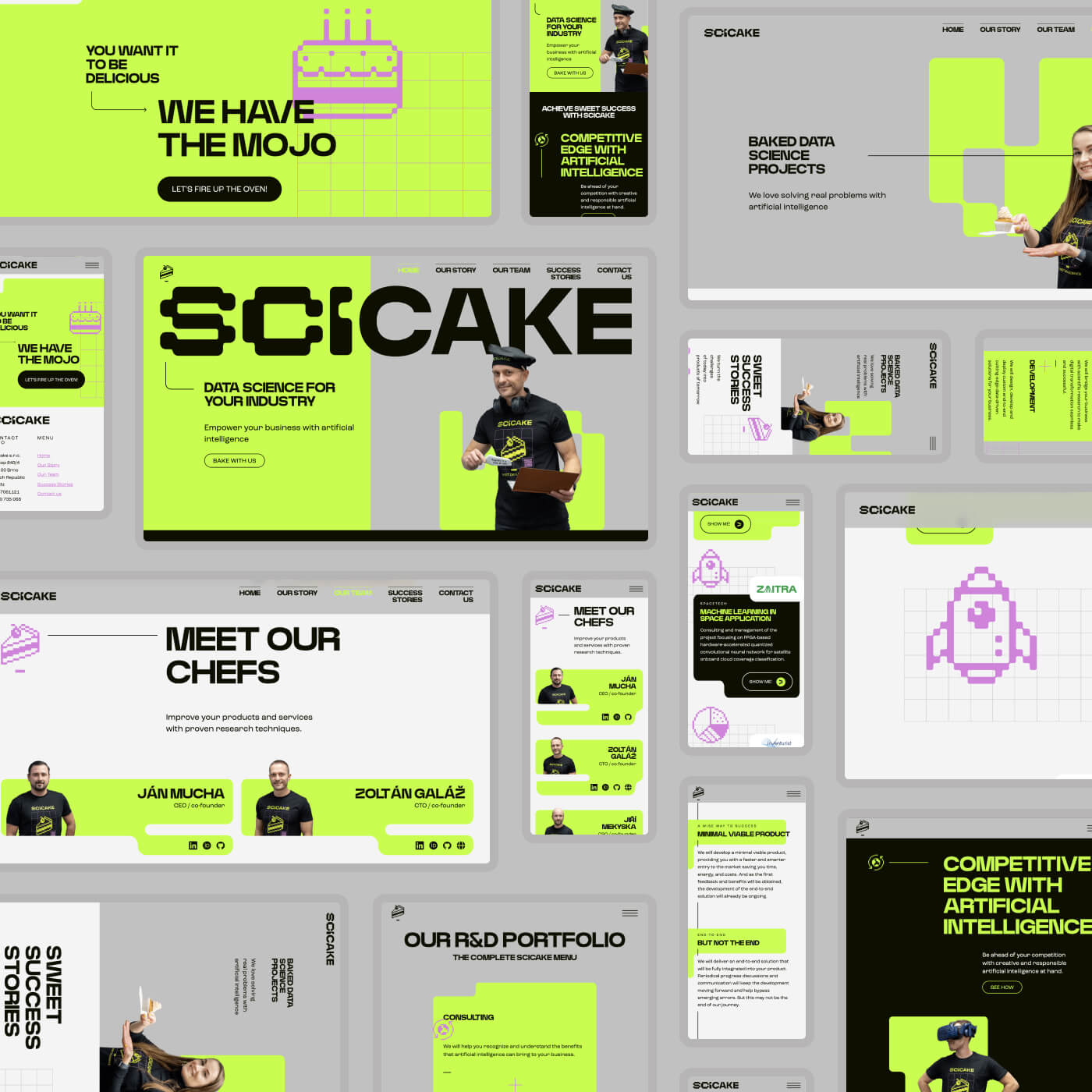
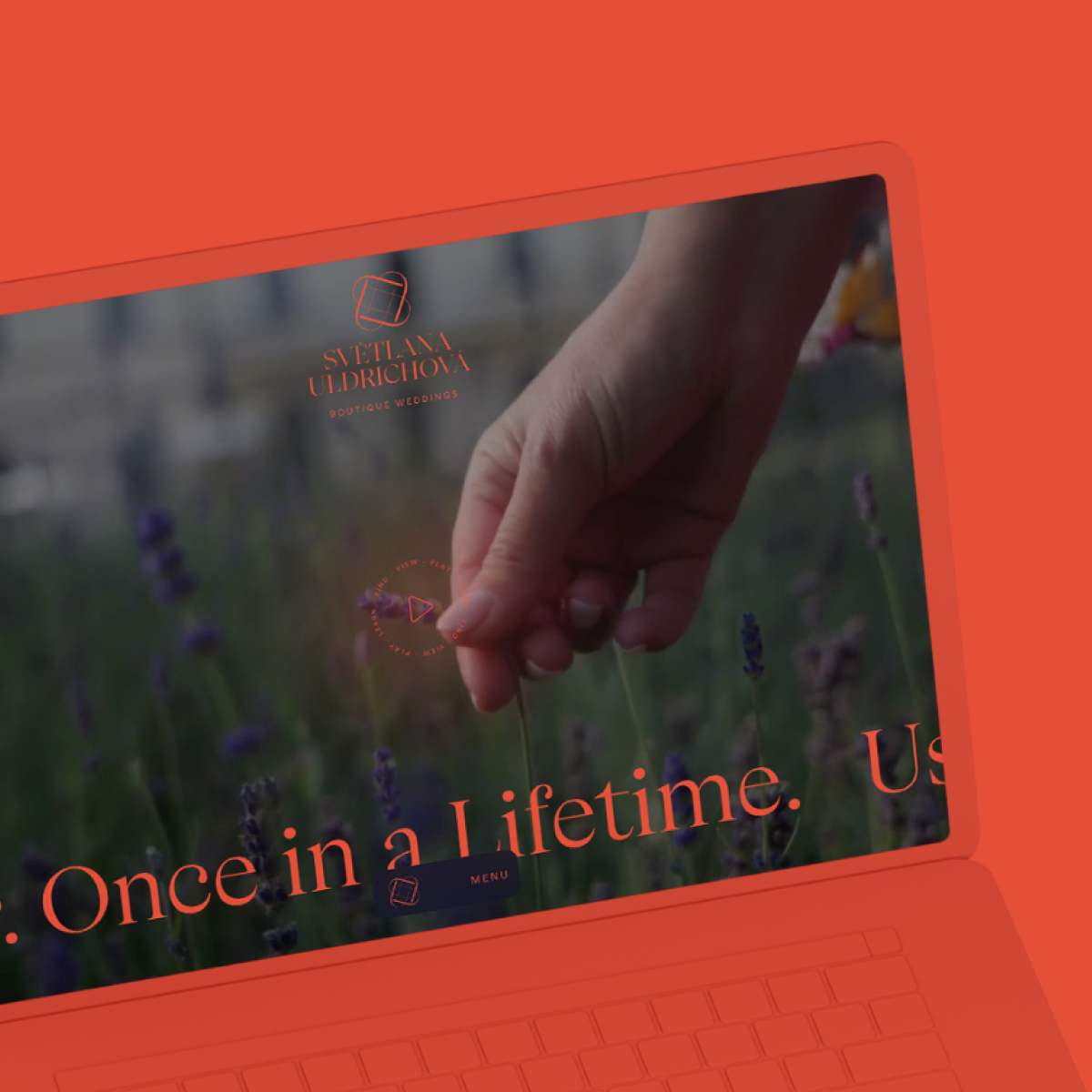
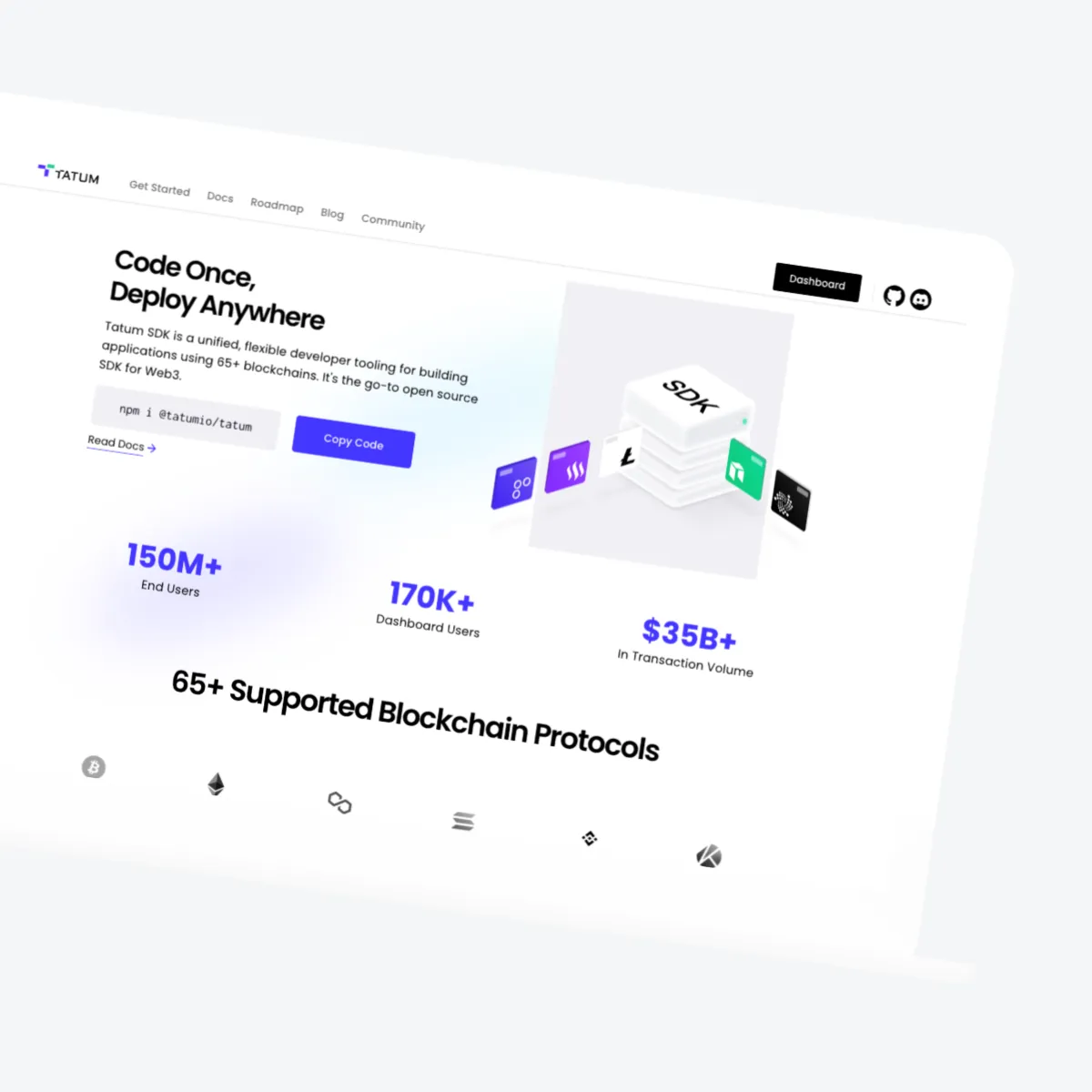
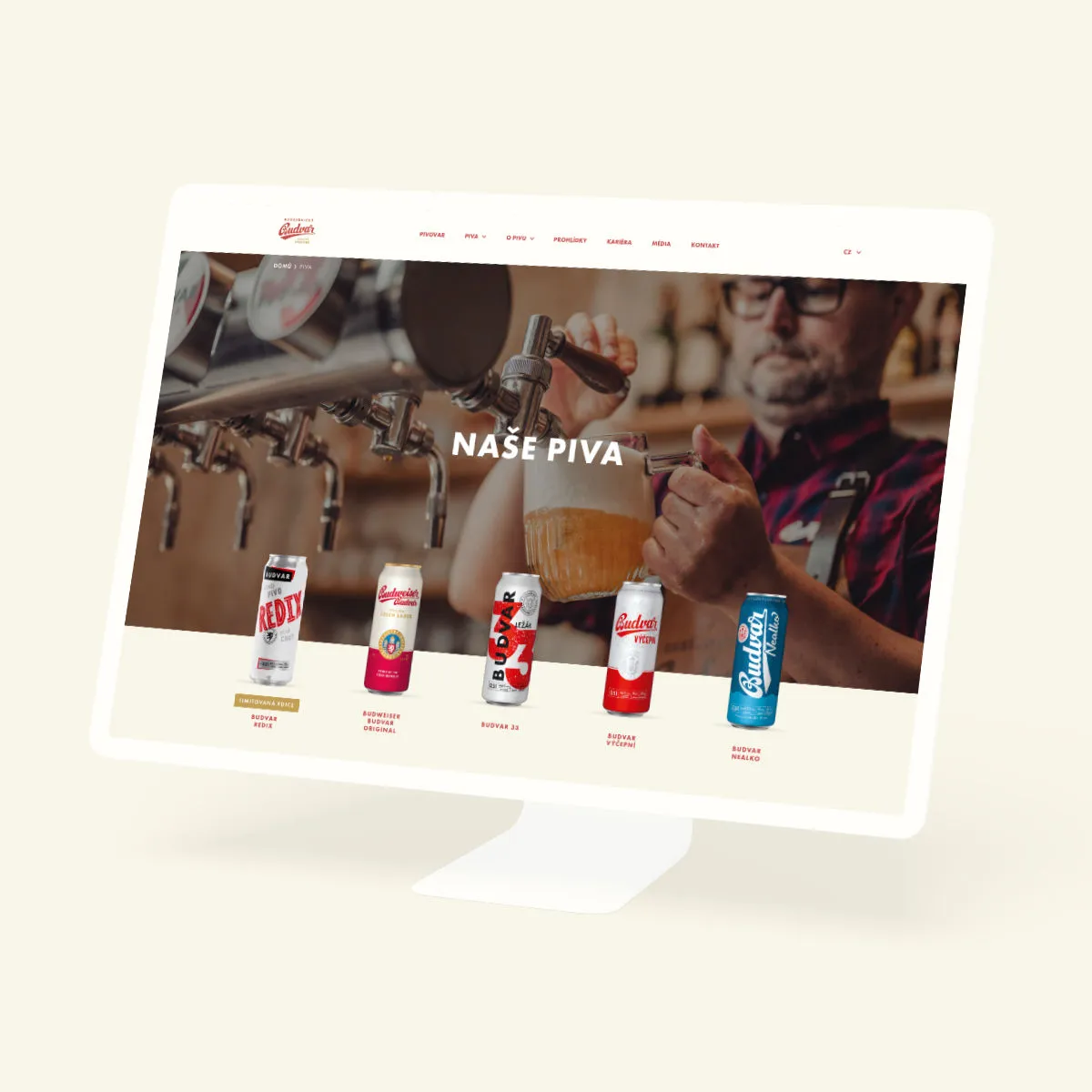
Companies that trust us:






Why switch from WordPress to Webflow

Peace-of-mind security
No more endless updates and patches. Webflow handles security automatically behind the scenes, letting you focus on your business.

Fast loading speeds
Webflow's clean, optimized code and a global CDN deliver lightning-fast page loads. No redundant plugins slowing things down.

Intuitive visual editor
Edit content directly on the page – exactly as visitors will see it. No complicated dashboards, just simple, intuitive content editing.

Scalability
From a single page to a large corporate website with hundreds of pages, Webflow scales with your business. Add new sections, features, or content without rebuilding from scratch each time.

SEO-friendly migration
A carefully planned migration preserves – and can even improve – your search visibility. When moving to Webflow, we follow SEO best practices, including proper redirects, maintaining URL structure and transferring metadata.

Consistent design
Webflow gives you complete control over the design system – you define colors, typography and components in one place. Every new page automatically follows the set visual style, keeping the entire site cohesive and professional.
How to migrate from WordPress to Webflow – step by step
01
Analysis of your current site
We review your WordPress site and map out its structure, content, and features. Together, we determine what should be transferred, what can be improved, and what can be removed.
02
Site structure review
Based on our analysis, we propose adjustments to the site's structure. At this stage, we typically keep as much of the original layout as possible to ensure a smooth migration. Major changes and improvements are best handled after the site is launched on the new platform.
03
Design and development
During migration, we keep your existing design unless we agree otherwise. Redesign isn't included in a standard migration – if you want one, it's better to plan it either before or after migration as a separate project. Thanks to our design background, we still refine and polish the site, addressing important details or fundamental flaws, such as accessibility or readability.
04
Content migration
We transfer all your content while ensuring functional internal links and preserved URL structure, following SEO best practices. This ensures the site runs smoothly and without errors after the move.
05
Testing and optimization
Before launch, we thoroughly test its functionality, loading speed, and responsiveness across different devices. We optimize performance so your site is fast and performs well for both search engines and AI systems.
06
Launch and training
Once everything is ready, we connect your domain and launch the site. We also provide training in the Webflow Editor, enabling you to edit text, images, and other content on your own – no developer required.
07
Continuous growth and support
Launching your website doesn’t have to be the last step on our journey. If you want to constantly improve your site, analyze weak spots, and boost performance, we’ll be your strategic partner – proactively bringing new ideas and optimizations to the table.
See what our worry-free Webflow maintenance looks like.





How much does it cost to migrate to Webflow
We'll provide an accurate quote after analyzing your website and reviewing your project brief.
Starter

Business

Enterprise
What our clients say


“It has been a pleasure to collaborate with Semibold. Our cooperation was marked by a smooth and highly professional working relationship. What stood out was the team's caring approach; they were always attentive and responsive to our specific needs.
The designs provided by Semibold were well thought out, displaying a strong understanding of our requirements, brand and aesthetic preferences. I would also highlight their willingness and ability to improve upon their work with every iteration, integrating our feedback seamlessly.
I recommend Semibold for web design services, and we look forward to engaging with them on future projects.”

“The Semibold team has been a true partner to us, delivering high quality work quickly and efficiently. After having a challenging experience with a previous agency, it was refreshing to work with Semibold. Throughout various projects, their team was flexible and adaptable, always working with us to find the best ways to accommodate our changing needs.
We would highly recommend Semibold to anyone looking for a partner that can deliver high quality work quickly and efficiently. Their level of professionalism, reliability, and flexibility make them a true partner that you can trust to deliver the results you are looking for.”

“For me, working with Semibold is a prime example of what a client-agency relationship should look like. They very quickly picked up on our needs and communication style.
Everything goes very smoothly. In addition, the agency is very proactive and comes up with its own ideas and recommendations. One of the biggest advantages is great flexibility and friendly communication.”

“Honestly, I'm not a big fan of working with agencies, but you guys rock, you are immensely quick, you always troubleshoot without it becoming a massive hurdle, and things just move forward. Here's my quote: If every agency functioned like Semibold, companies would love working with agencies.”

“Collaboration with Semibold was almost like therapy. They helped us define who we are and what we want. Together, we managed to convey an atmosphere that a person experiences when they enter our space, which was truly challenging with our previous identity.”
“Today, as people walk through our corridors, we see how they suddenly smile more, how they suddenly feel more at ease. By incorporating organic elements, choosing the right colors, and opting for a simple yet highly professional and impactful typeface, we succeeded in expressing who we truly want to be.”

“I really enjoyed the collaboration with Semibold. They are a well-equipped team with the best experts. They understood my needs very well, completed the task on time in a short period of time. They even suggested extra feature implementation to gain a better user experience.
I felt I am in good hands. Looking forward to working with them in the future on other projects too.”
“With the Semibold agency, we have collaborated on several projects where their qualities have been consistently demonstrated. Whether it was highly complex projects involving the development of a new platform or smaller assignments that were nonetheless demanding in terms of time and efficiency. I highly appreciate their approach, organization, experience, and ability to translate creative ideas into the digital realm. I also value their responsiveness in handling non-standard timing or unique requirements.
Their added value in terms of the functionality of each creative solution is truly crucial for us, and we look forward to further collaboration!”
Do you have questions? Get back to us!
Is it possible to import content from WordPress into Webflow?
Yes. We can export dynamic content from WordPress and import it into Webflow. First, we convert the exported XML to CSV, and then we create a CMS collection in Webflow and upload the data to the correct fields. Text and images often benefit from additional optimization for better SEO and AEO.
Does Webflow have an automatic tool for migrating from WordPress?
Not yet. Although new tools appear regularly – and we actively test them – none have proven reliable enough to actually save time. For this reason, we prefer manual migration, which gives us full control over design, structure, and functionality.
How long does it take to migrate a website to Webflow?
It depends on the size of the site, the number of changes planned, and how many CMS collections it contains. Most migrations take a few weeks.
What affects the price of migration?
The final cost mainly depends on the following factors: amount of content, number of pages, design complexity (number of sections, animations, interactions), number of language versions, integrations of external tools, custom-developed elements, number and complexity of forms.
Will I lose SEO performance during migration?
Unlikely. Technically, we do everything possible to maintain or improve your SEO: we transfer metadata, preserve URL structure, set up redirects, and optimize performance and loading speed.
After launch, it's normal to see small, temporary fluctuations – usually within a few weeks – while search engines get used to the changes. In the long term, we typically see improvements in organic traffic compared to the original state. This applies not only to SEO, but also to AEO (Answer Engine Optimization).
It might be due to the fact that we continue to develop the website with our clients and work on content. Migration itself is just a tool, and the result always depends on the content strategy.
Will Webflow improve site performance?
Yes. Webflow generates fast, clean code, uses a global CDN, and we further optimize your content during migration. Most websites see a noticeable speed boost and improved Core Web Vitals.
What happens to WordPress forms?
Forms must be rebuilt in Webflow. We set up all necessary integrations (e.g. emailing or CRM) either directly in Webflow or via external services. If your forms are not overly complex, this is usually a straightforward process.
Can I use the same domain?
Yes. First we develop and test everything on a staging site (your-domain.webflow.io), and once approved, we update the DNS records to switch to your existing domain (e.g., your-domain.com).
Is Webflow more secure than WordPress?
Yes. Webflow runs on a closed infrastructure with automatic SSL and regular updates. Most Webflow websites don't require external plugins, which significantly reduces security risks and maintenance costs.
Are there any Webflow limits?
Yes – Webflow has a few technical and pricing limitations worth knowing about.
You won't encounter them on most websites, but hosting of larger projects (e.g., multi-site corporate groups or multilingual sites) can become more expensive with each additional site or language mutation.
Technical limits include: number of static pages (approx. 100), number of CMS items depending on site plan (e.g. 10 000), and bandwidth limit (requiring higher-tier site plans for very high-traffic websites).
What if Webflow goes down? Do you have a backup plan?
Webflow is highly reliable – it uses a global CDN and Cloudflare infrastructure.
In August 2025, Webflow publicly addressed temporary Editor outages that affected developers (editing was limited for several days), but websites remained online the entire time.
Such situations are rare , and Webflow is generally more stable than traditional hosting. In the unlikely event of a long-term outage, the site can be exported and hosted elsewhere temporarily.
Can our employees edit content without technical knowledge?
Absolutely. Webflow Editor is more intuitive than WordPress. You edit content directly on the page, without navigating through a complex admin interface. 99% of clients appreciate the new system.
After one hour of training, your employees can confidently update texts, images, and add blog posts. Unlike WordPress, there's virtually no risk of breaking anything or deleting some important settings.
Do we still need to pay for maintenance and updates?
No! Webflow updates automatically in the background. No manual updates, no broken plugins, no security patches.
You only pay for monthly hosting.
If you need design changes or new features, you can update the site yourself or order a specific modification from us – but there's no mandatory monthly maintenance fee.
Do you offer support after the migration is complete?
Yes. After launch and initial stabilization, we offer ongoing support through SLA-based maintenance with guaranteed response time or hourly retainer for long-term development. Find out more about our carefree maintenance.
One of Webflow's main benefits is that after a short training session, you can handle most routine updates yourself.
How do you handle GDPR and cookies after migration?
Webflow itself barely uses cookies, so in theory, a simple notice stating that the website doesn't collect any data could be enough. In practice, most websites need cookies – for analytics to measure traffic, or third-party interactive features (maps, videos, etc.).
We use Cookie Script, which meets all our requirements and is fully compliant with EU legislation. As part of the migration, we usually include “Cookie Script setup and integration". Subscription costs roughly CZK 4-6k per year.
GDPR compliance remains the client's responsibility. We recommend consulting with legal experts and transparently informing visitors about how their personal data is processed.