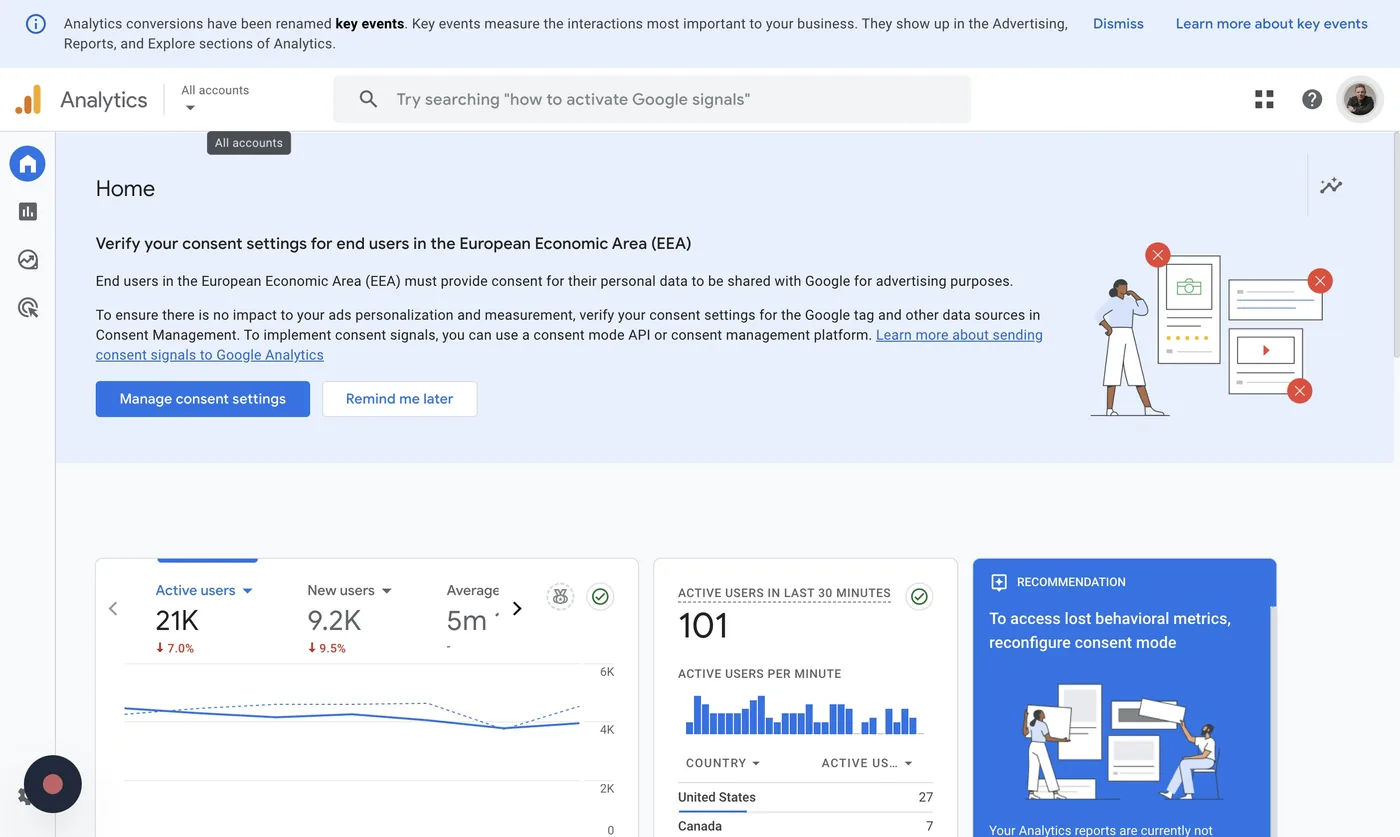
Go to analytics.google.com/analytics/web/.
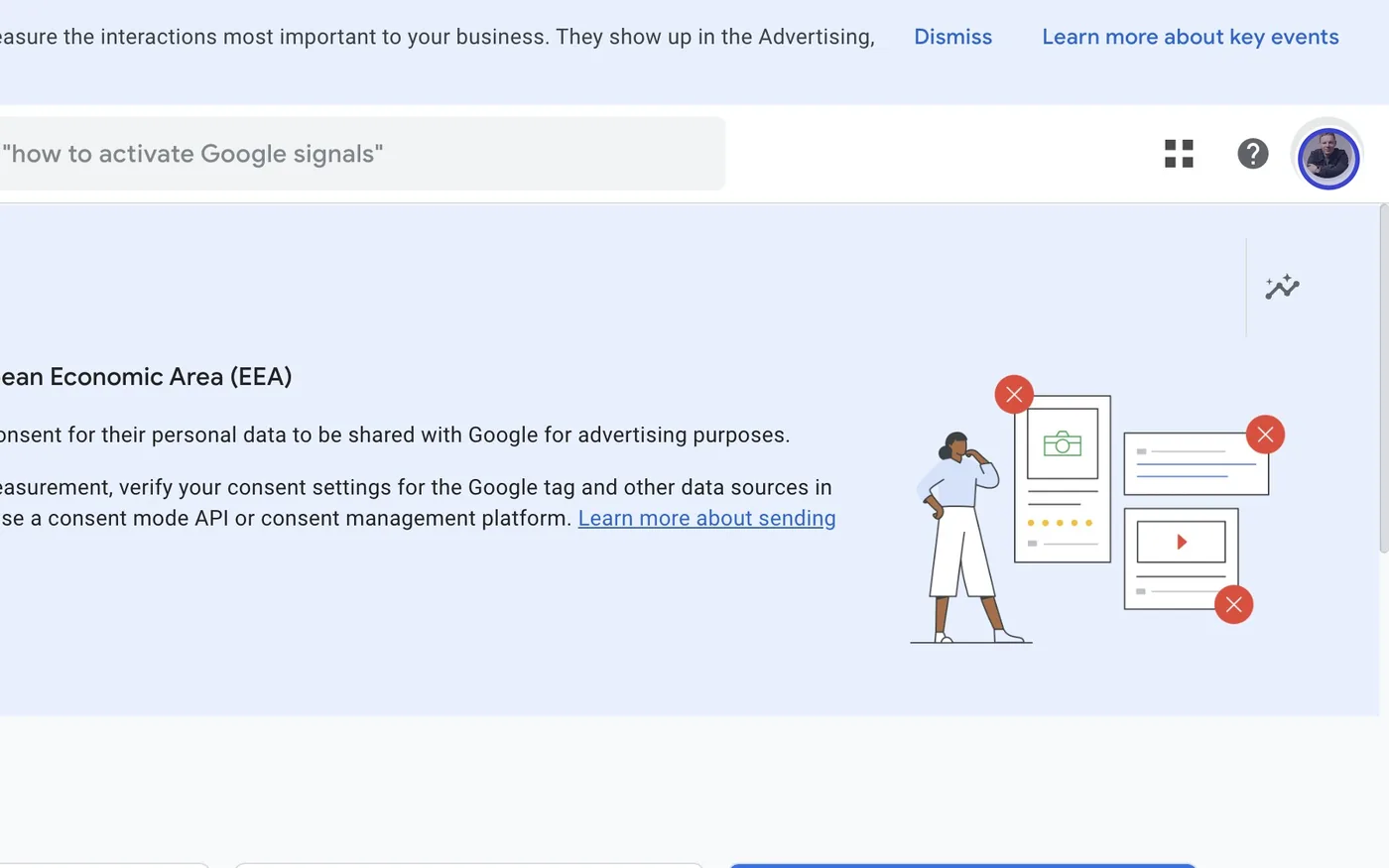
In the top right corner, choose the profile that has access to the account you want to share.
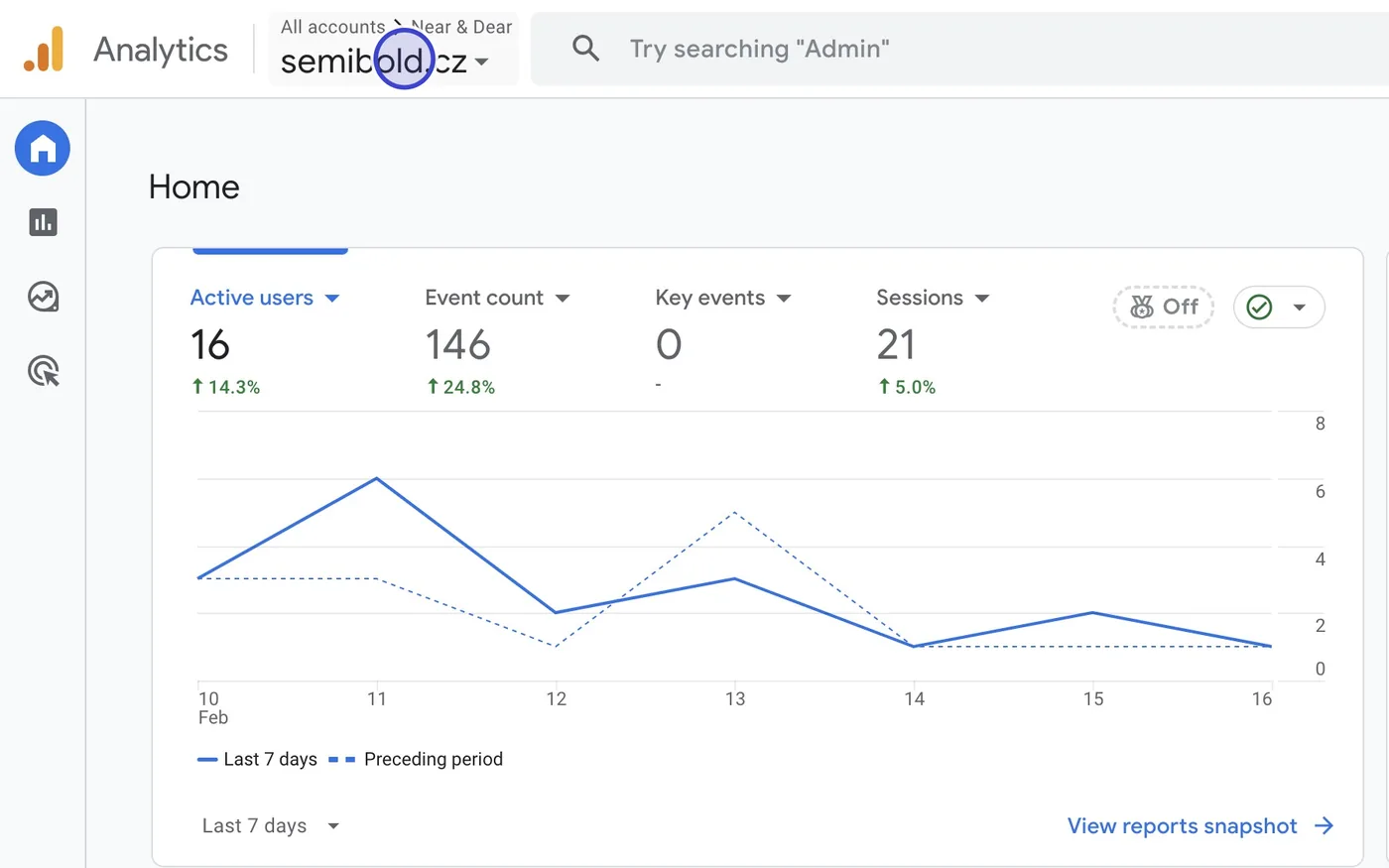
In the top left corner, find the account and property you want to share.
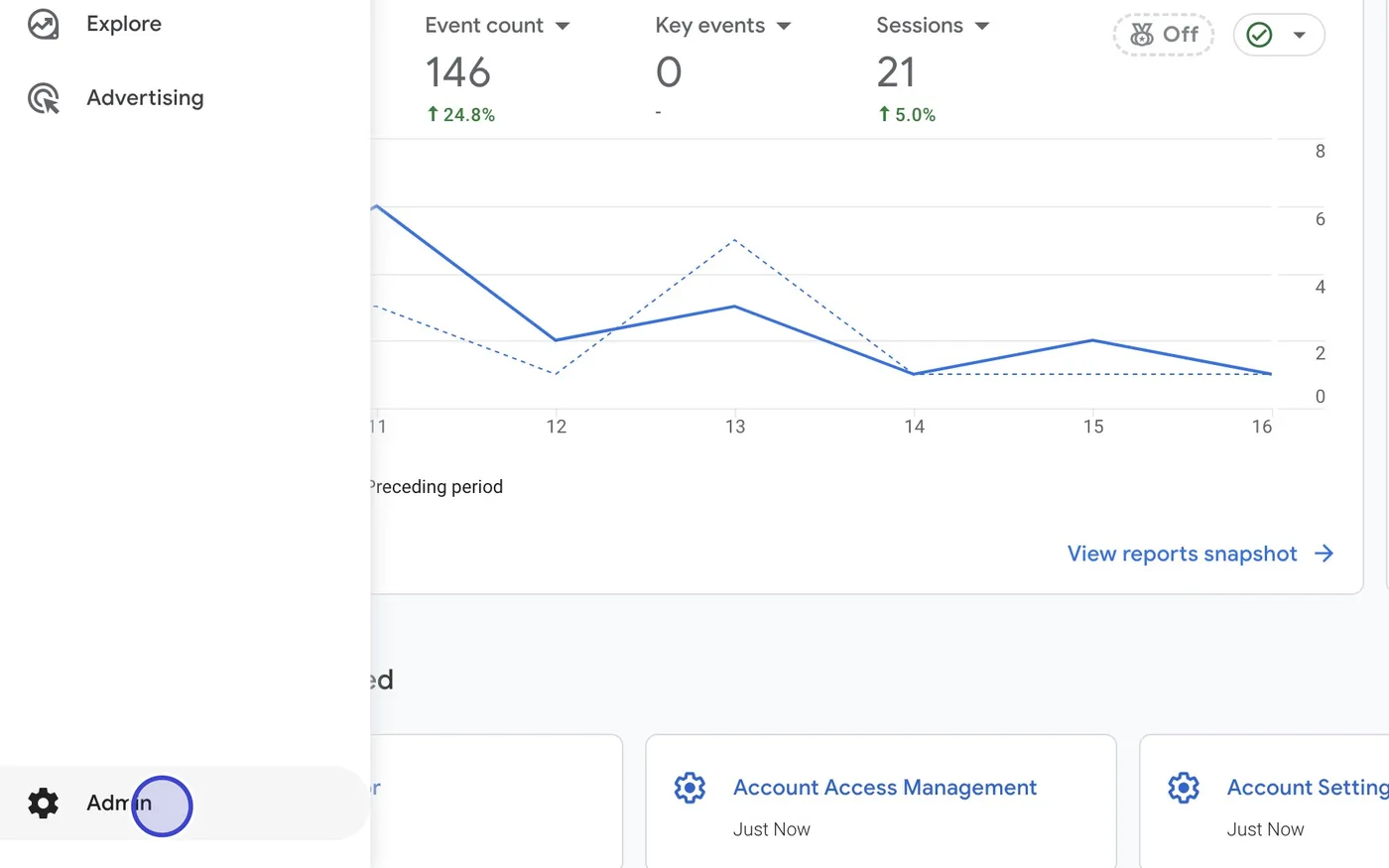
In the bottom left corner, click Admin.
Access to the whole account
To give access to the whole account, click Account access management in the Account section.

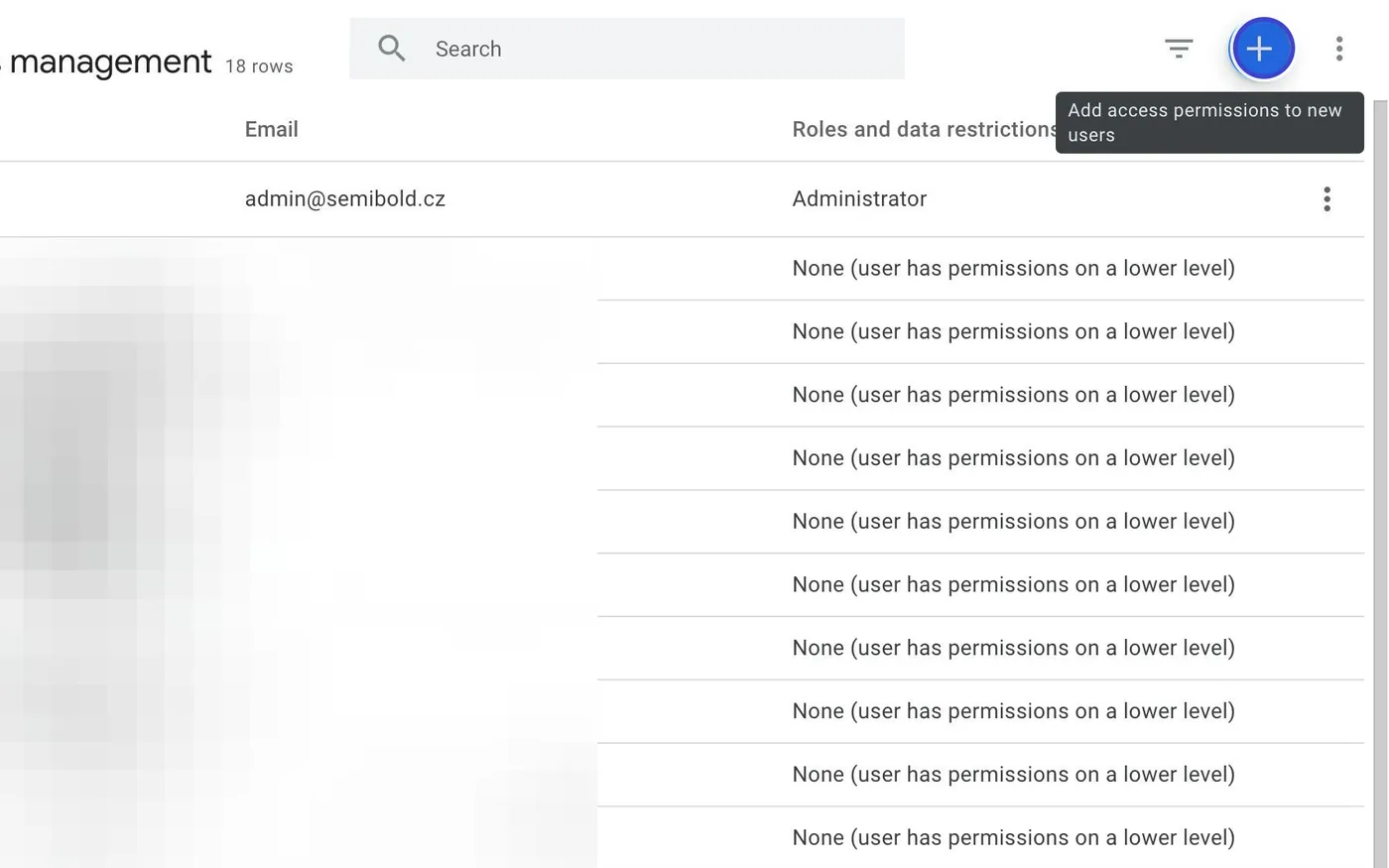
In the top right corner, click the plus icon.
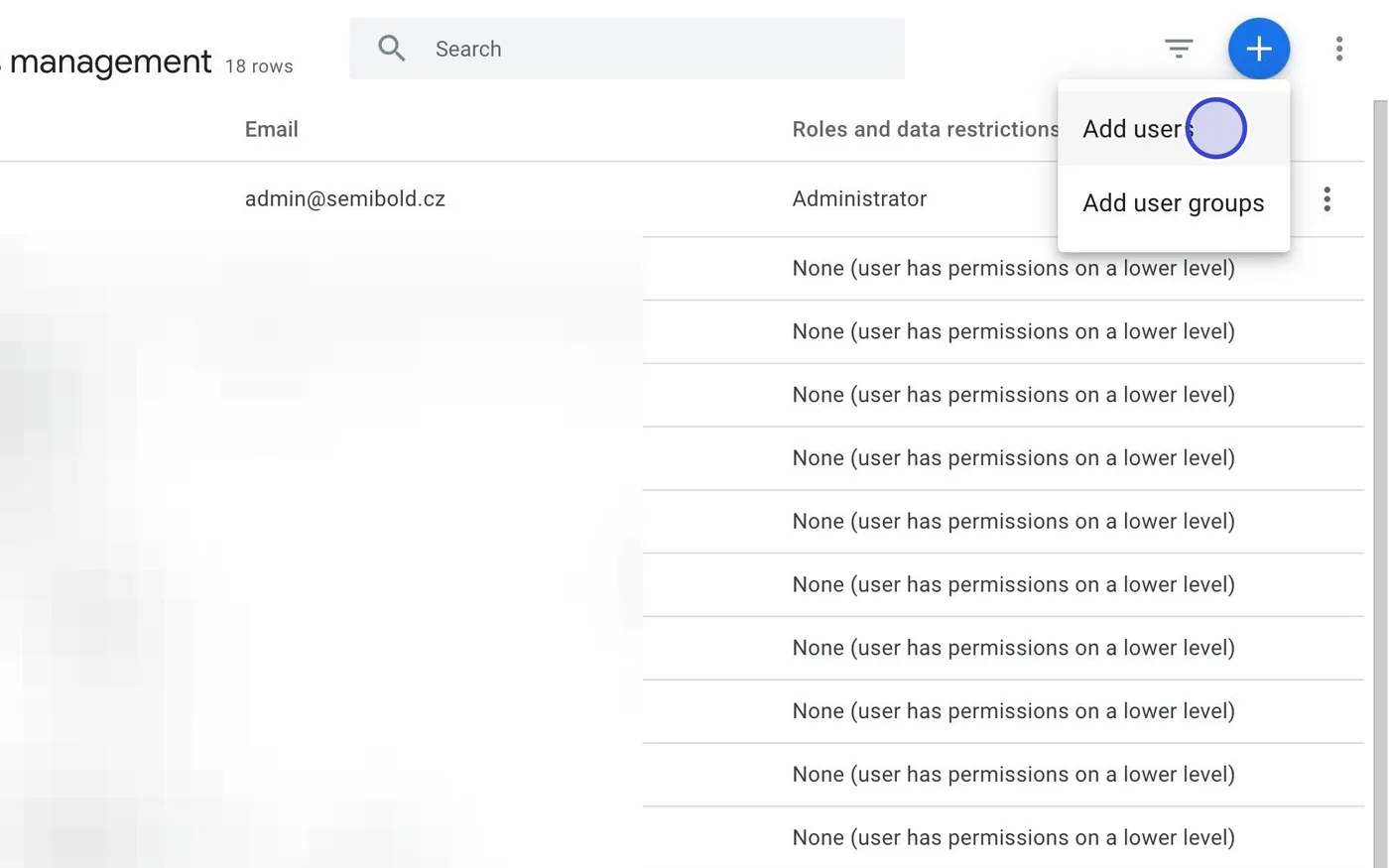
Click Add users.
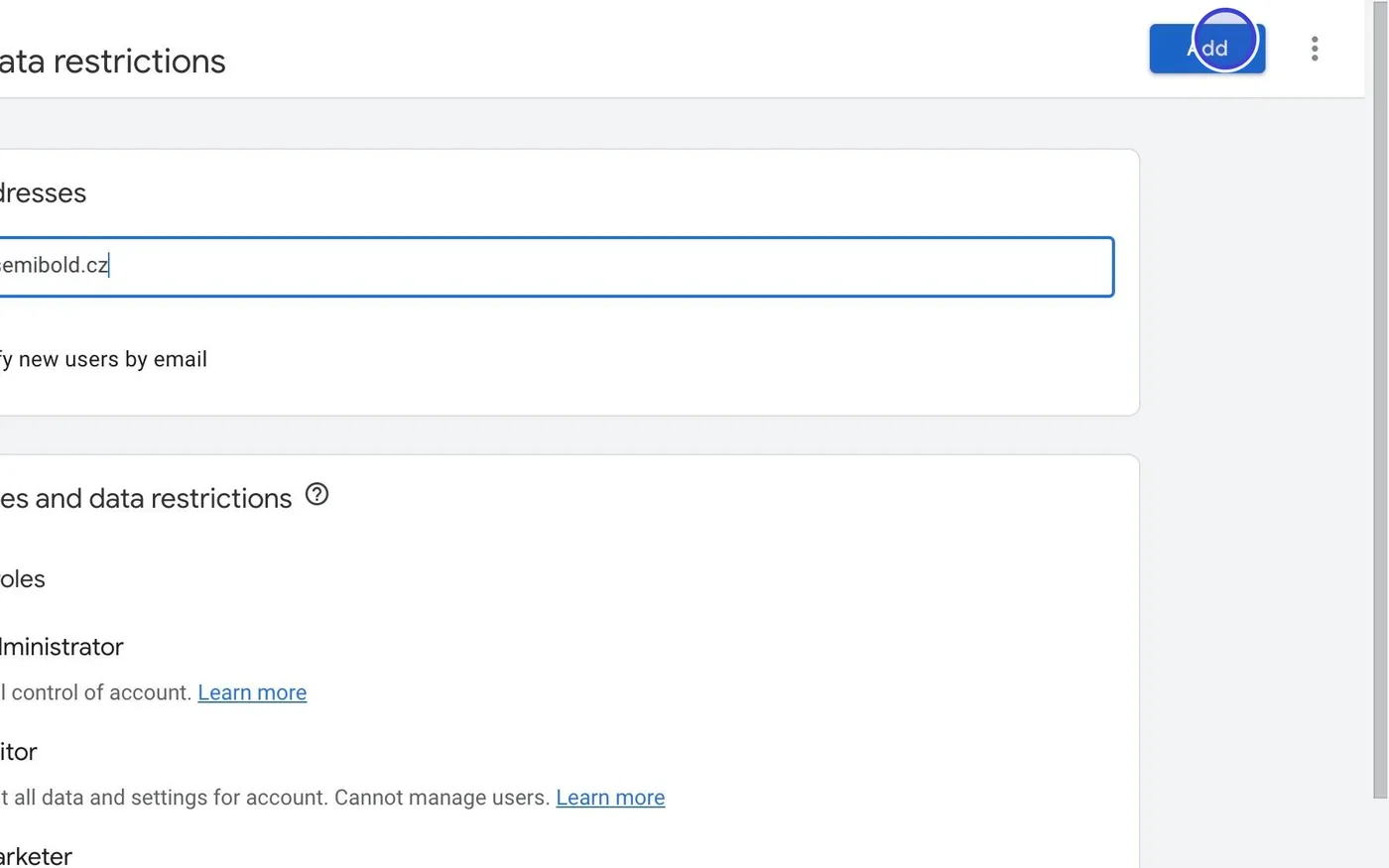
Add the user admin@semibold.cz.

Choose the Analyst role.

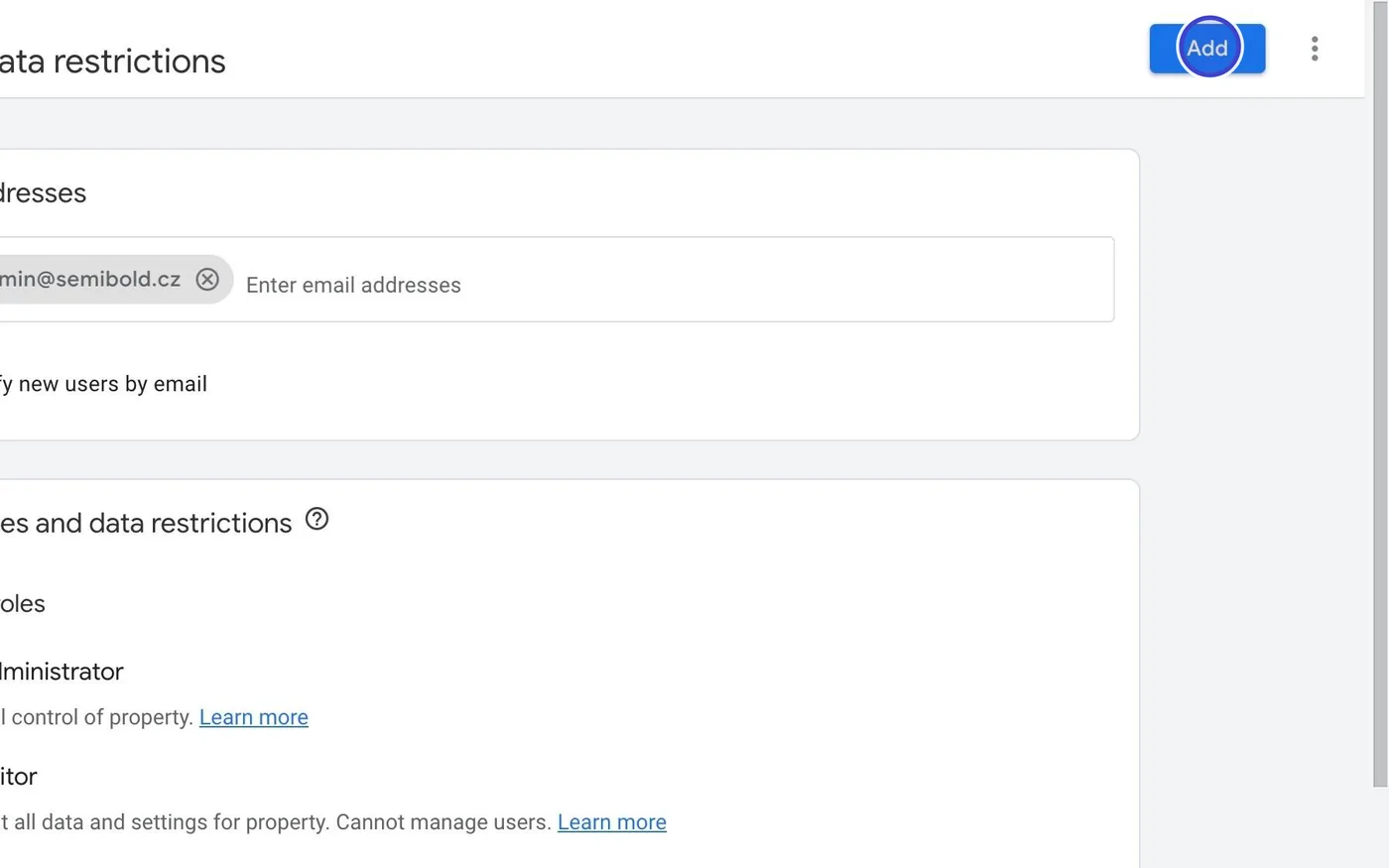
In the top right corner, click Add.
Access to a single property
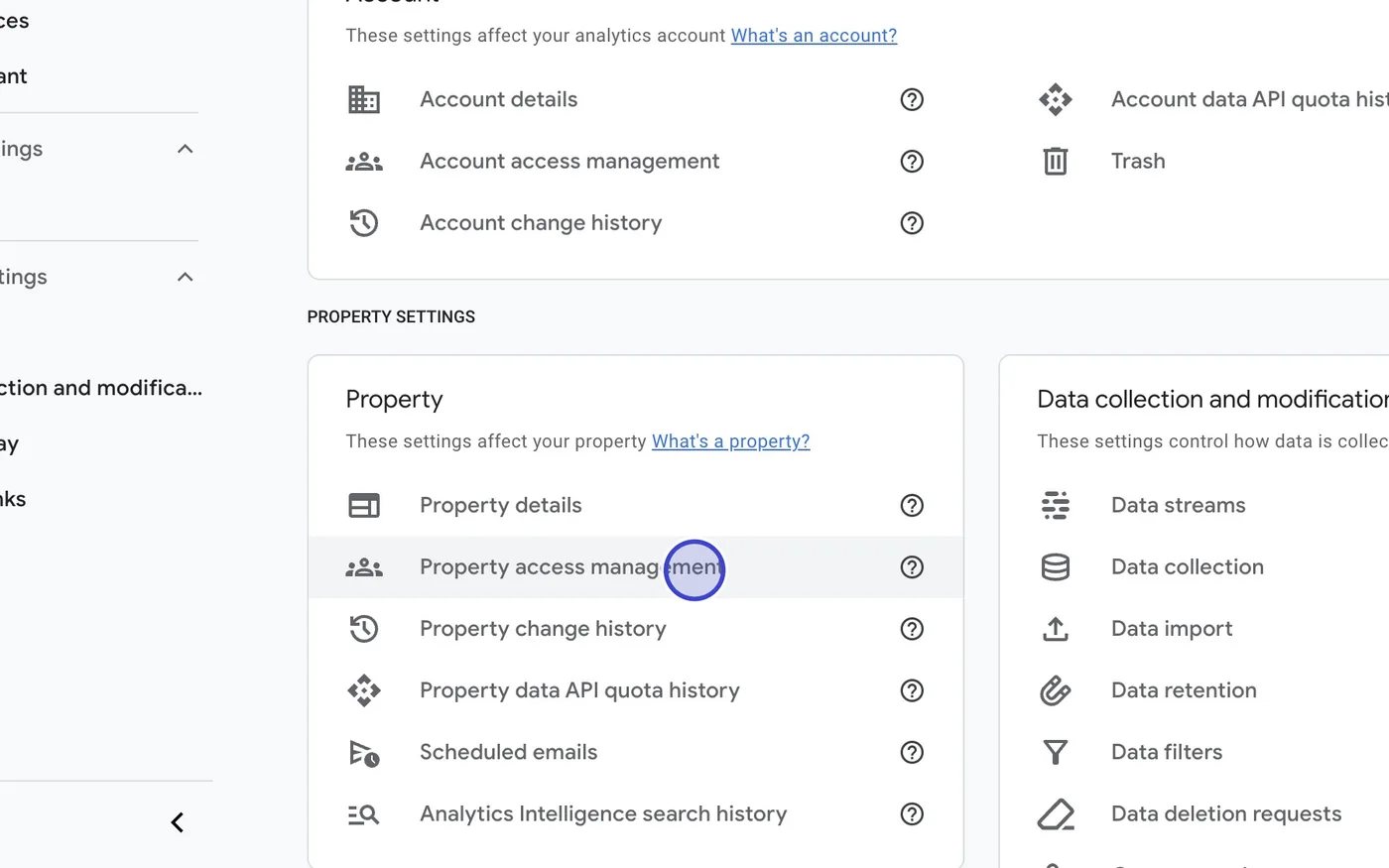
To give access to a specific property, click Property access management in the Property section.
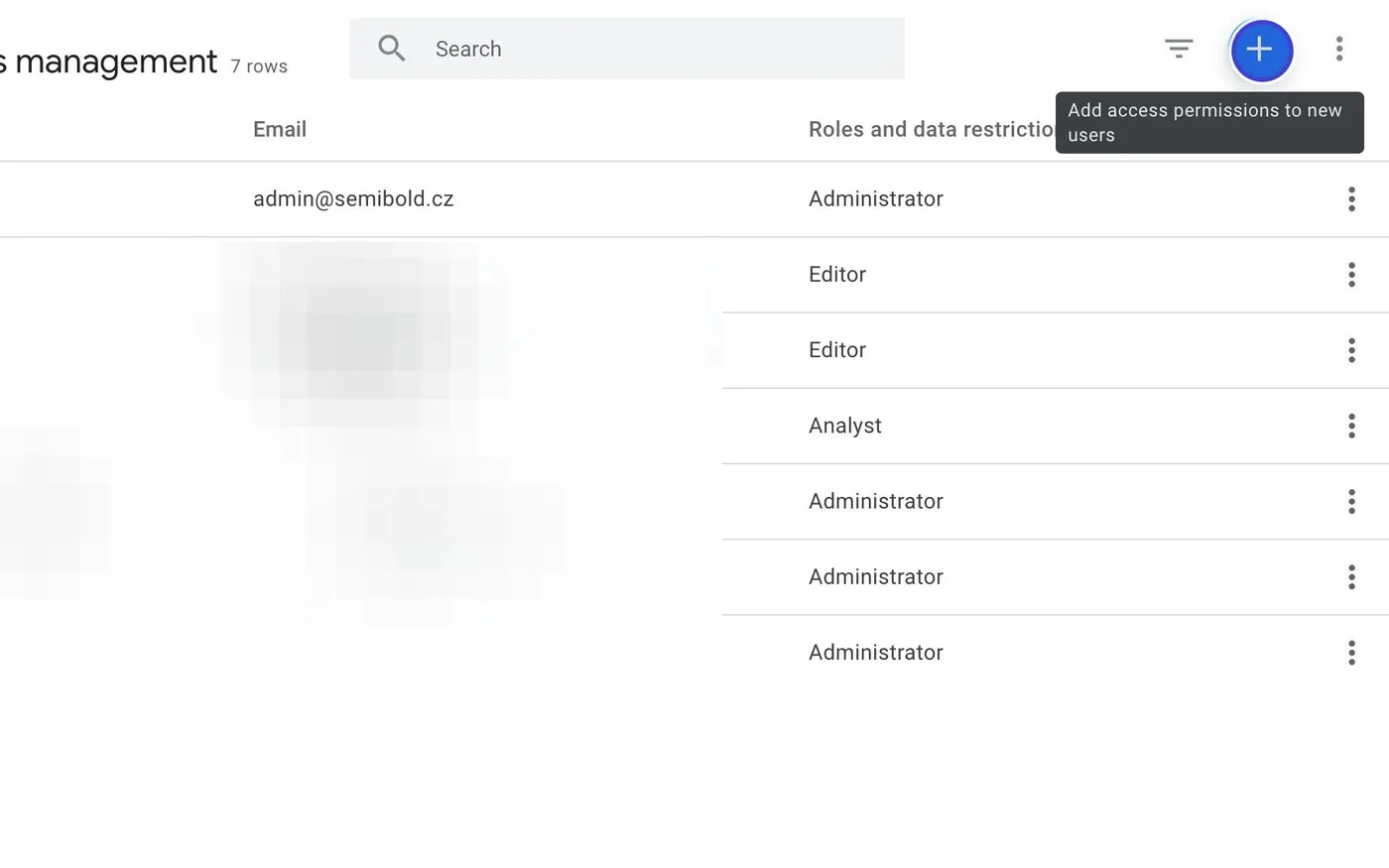
In the top right corner, click the plus icon.
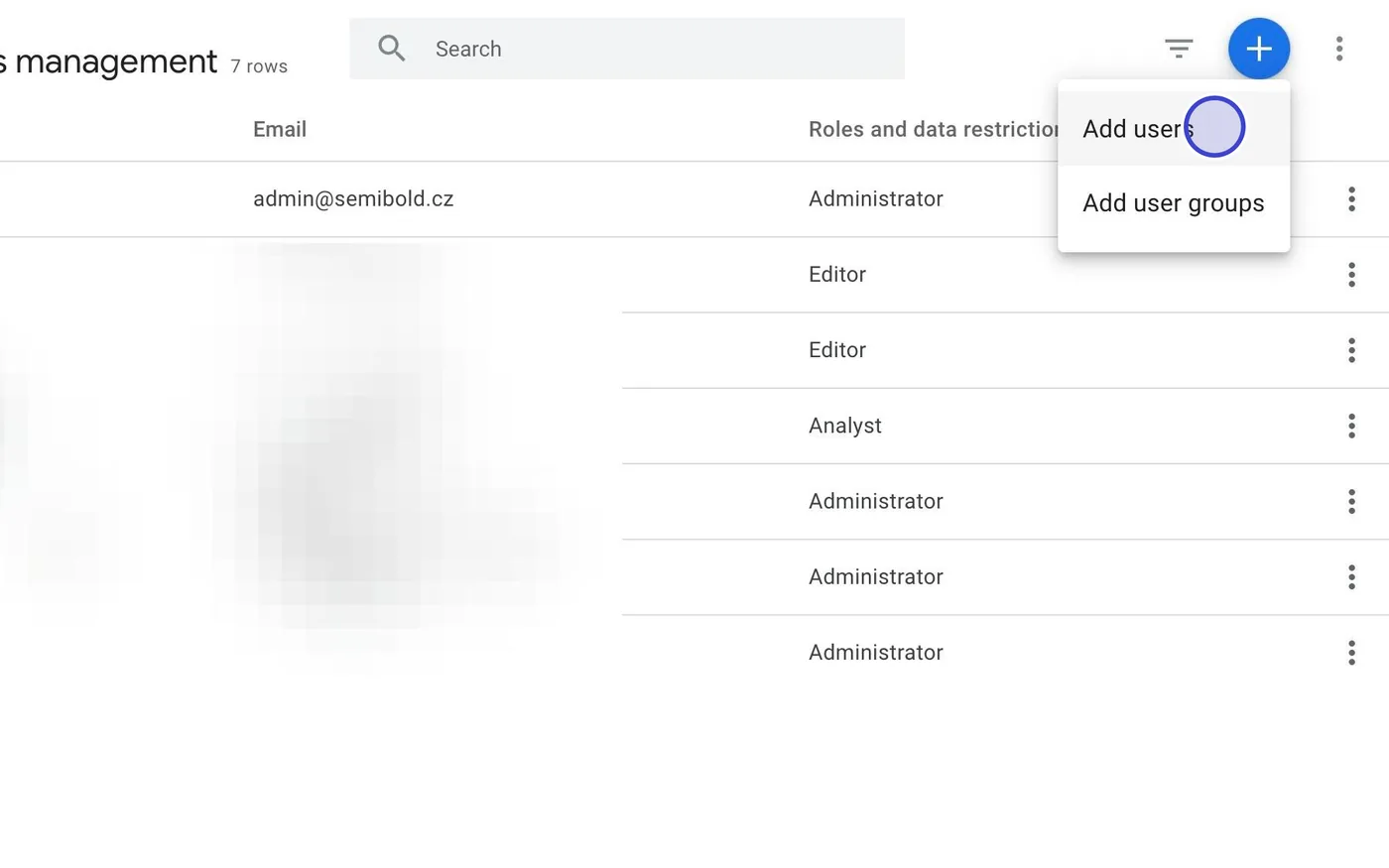
Click Add users.
Add the user admin@semibold.cz.
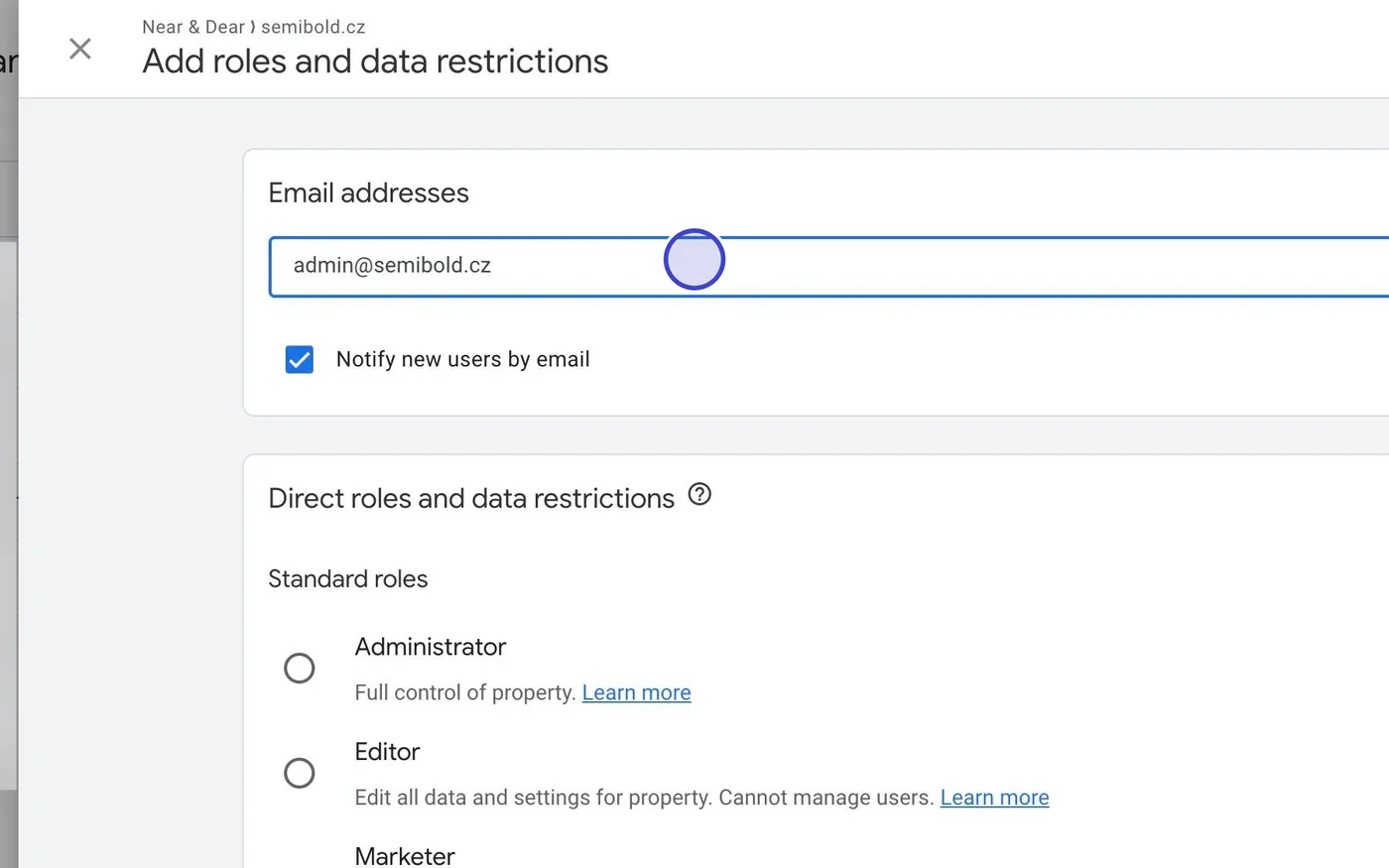
Choose the Analyst role.

In the top right corner, click Add.