

Go to https://tagmanager.google.com/#/home.
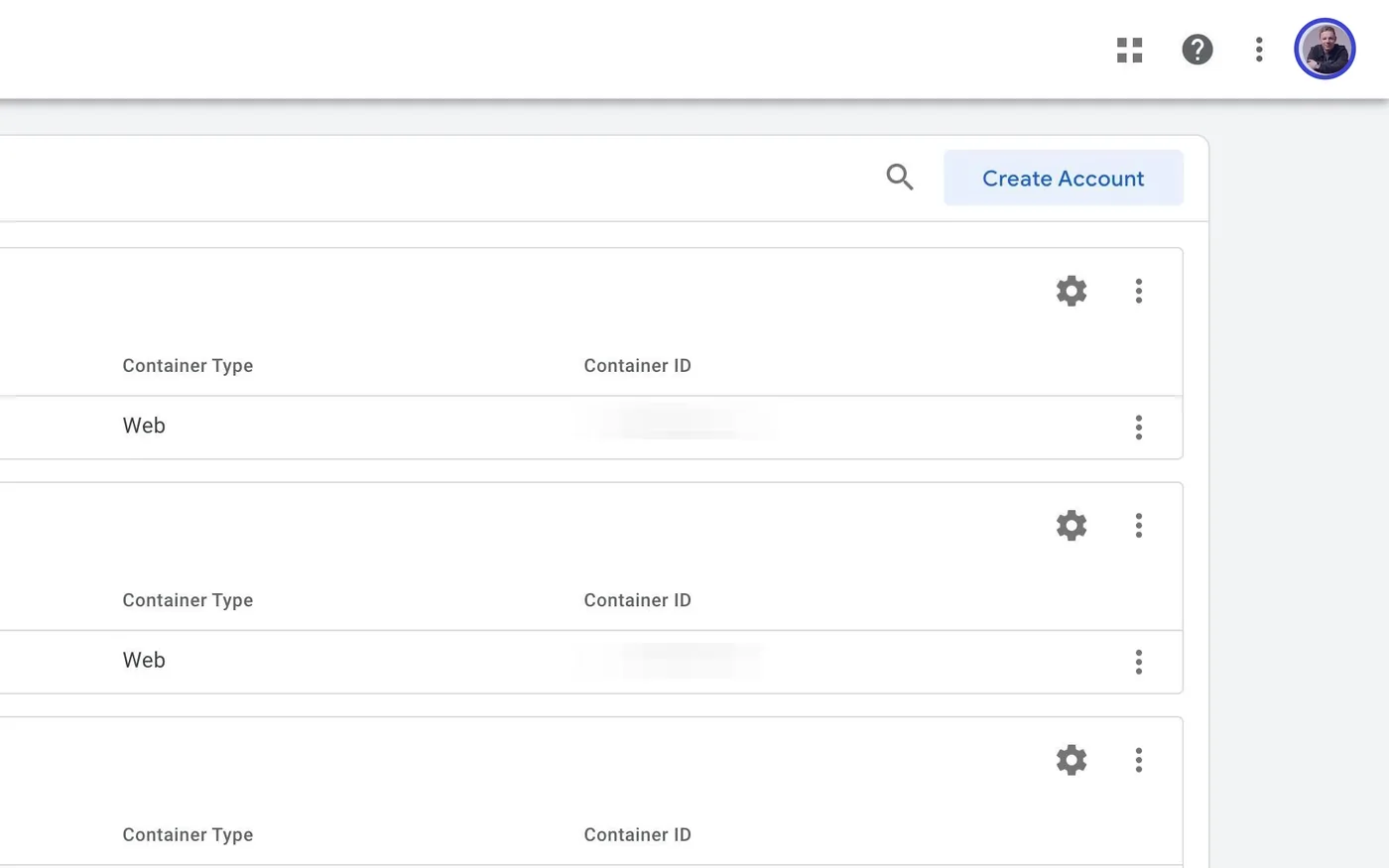
In the top right corner, choose the profile that has access to the account you want to share.
Sharing the whole account
If you want to share the whole account, click the upper three dots next to it.
An account can contain several containers.
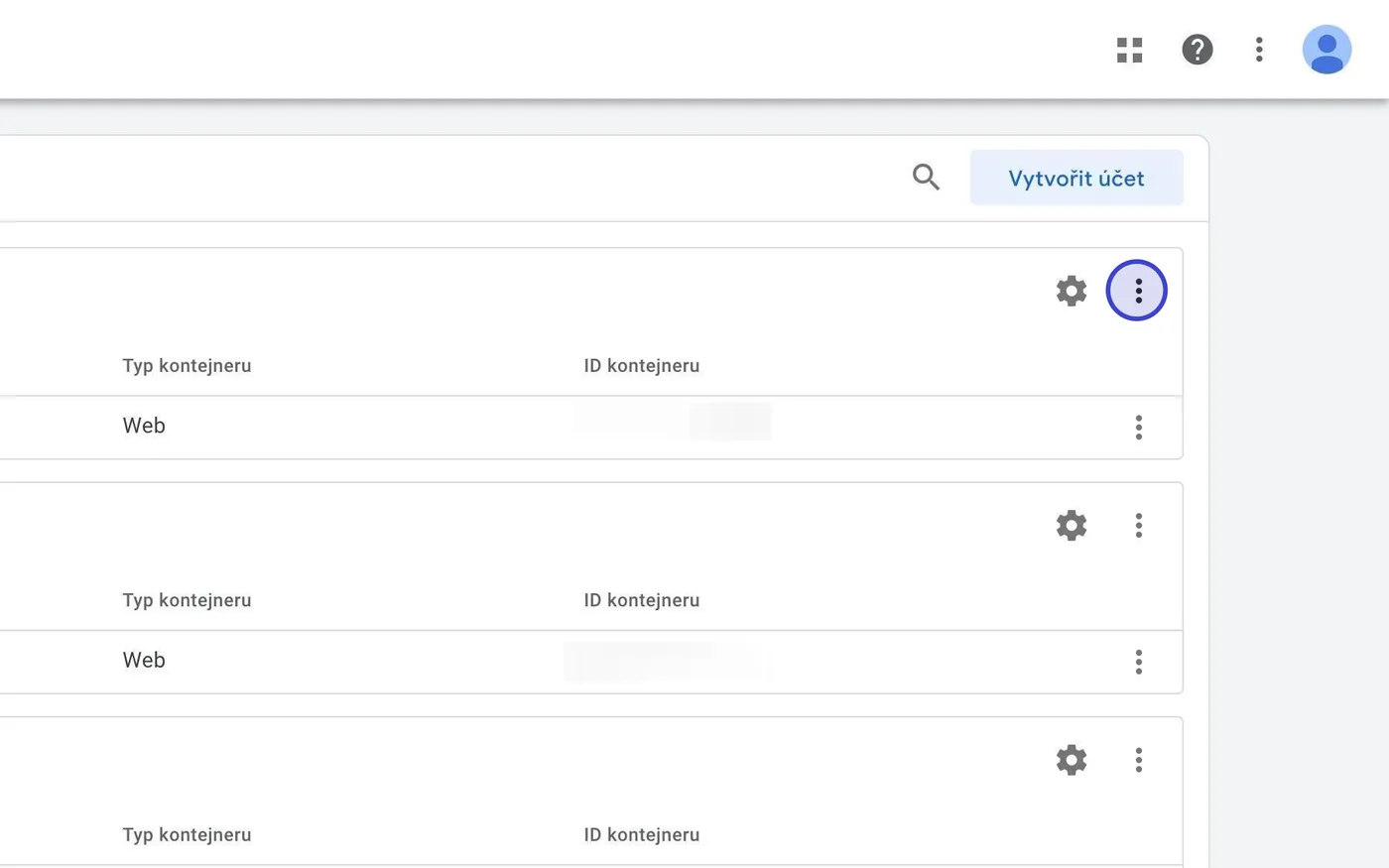
Click User Management.

In the top right corner, click the plus icon.

Click Add users.

Add the user admin@semibold.cz.

You can grant Administrator permission for the account.
In that case, we will be able to add new containers and share them with other users.

Adjust the permission for each container you want to share with us.

Set the permission to Publish.
This way, we can publish the changes we make in GTM.

Confirm with Done.

Click Invite.

Sharing a single container
If you want to share only one container, click the lower three dots.

Click User Management.
The rest is the same as when sharing the account.
