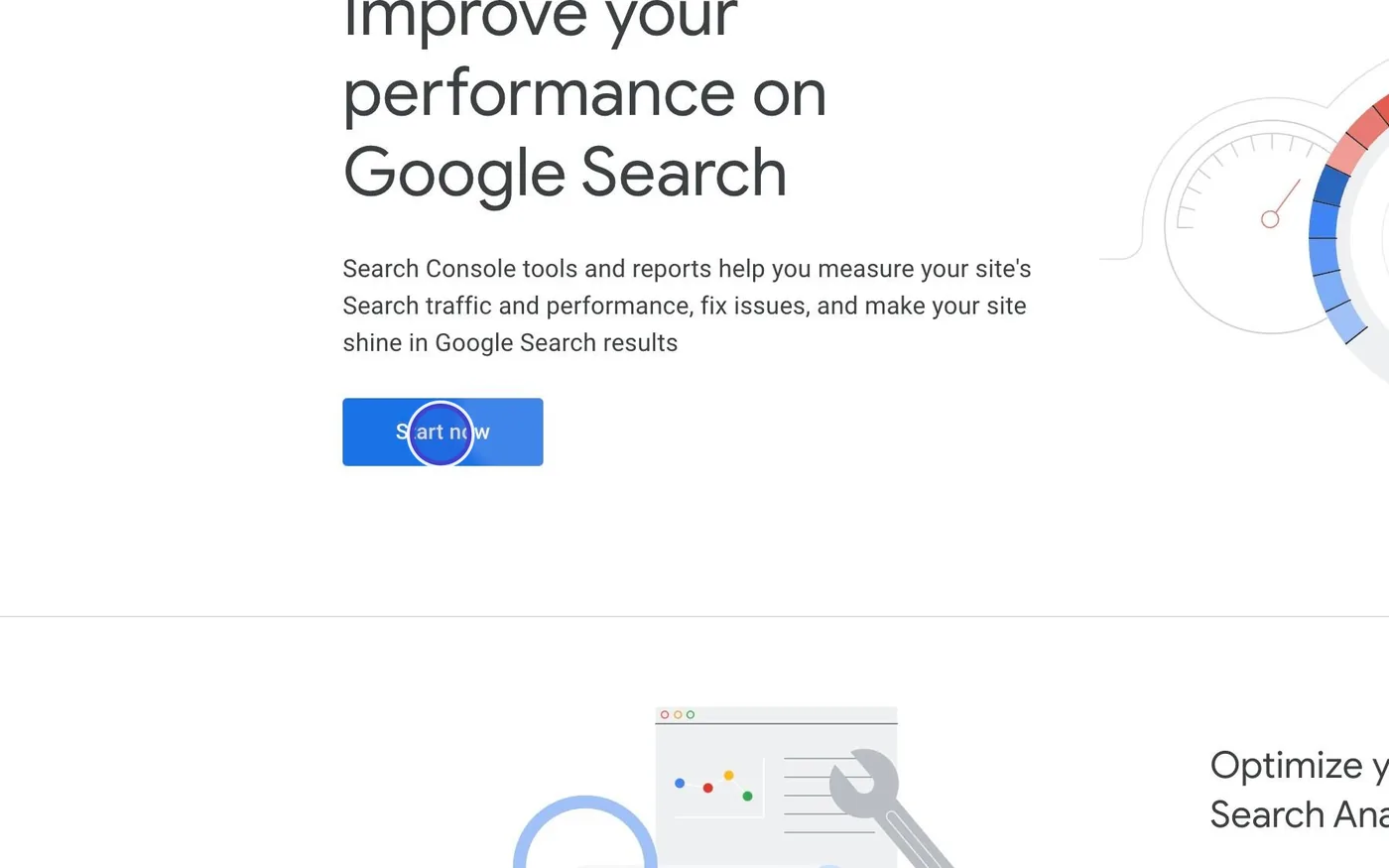
Go to https://search.google.com/search-console/about.
Click Start now.
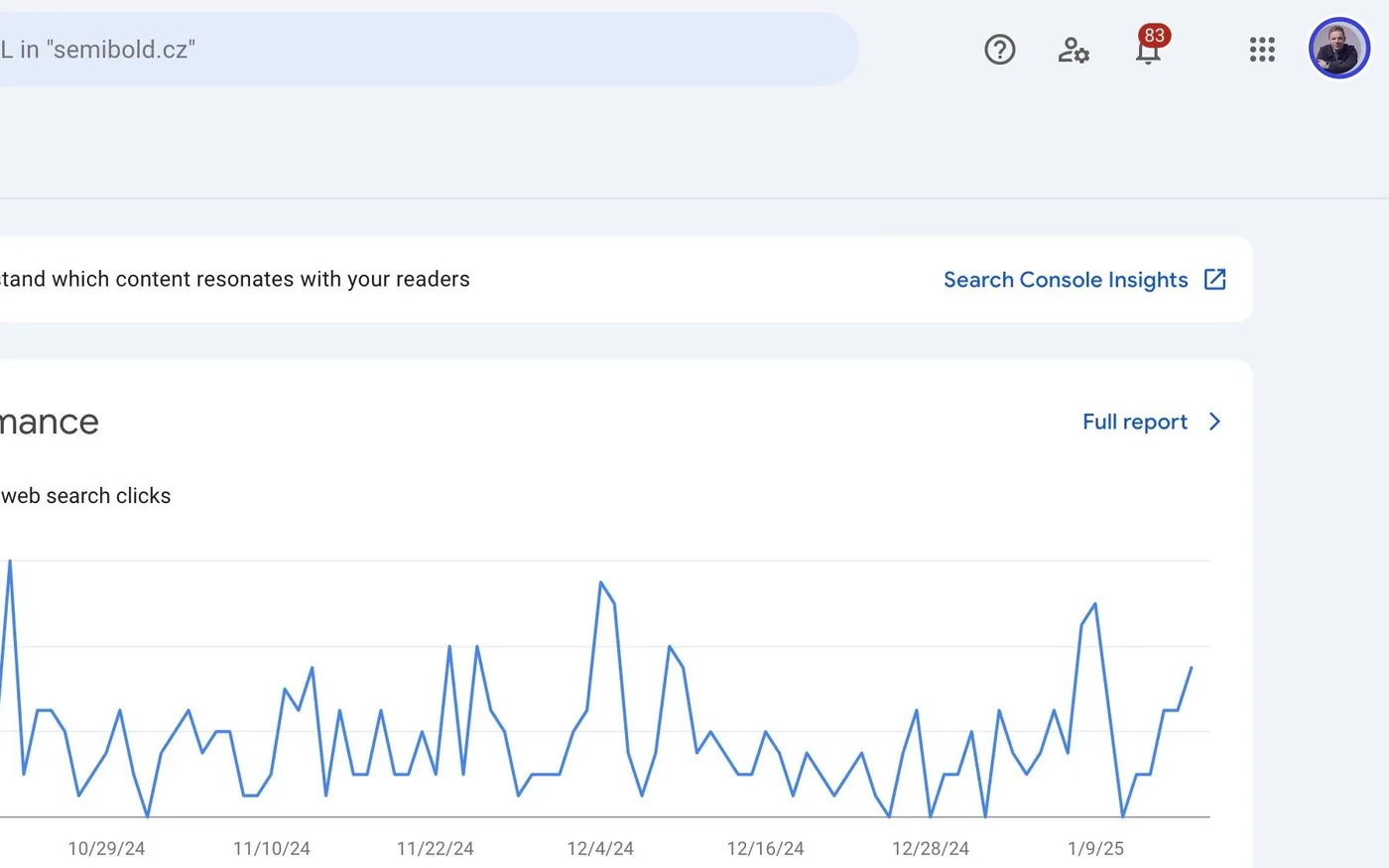
In the top right corner, choose the profile that has access to the property you want to share.
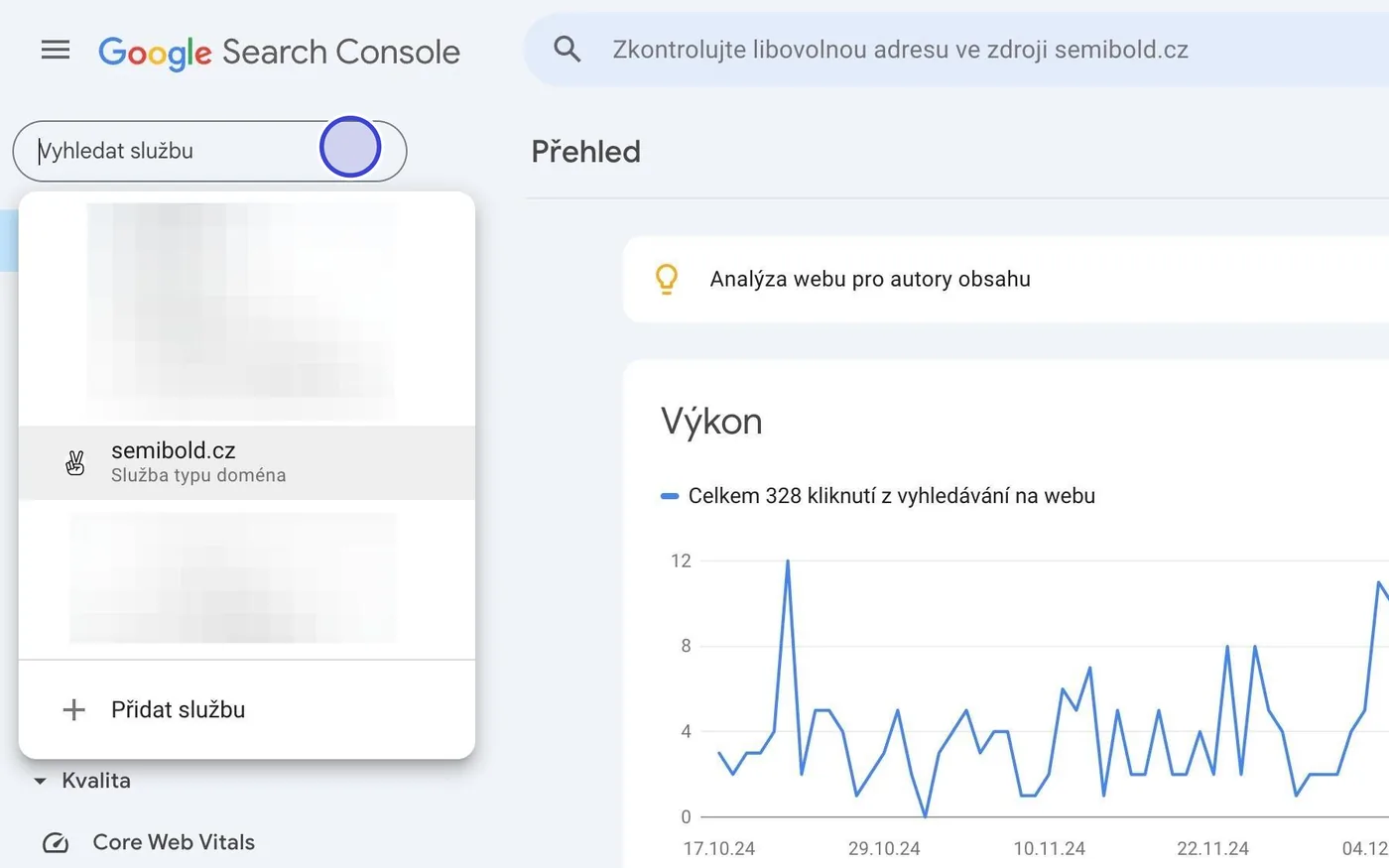
In the top left corner, choose the property you want to share.
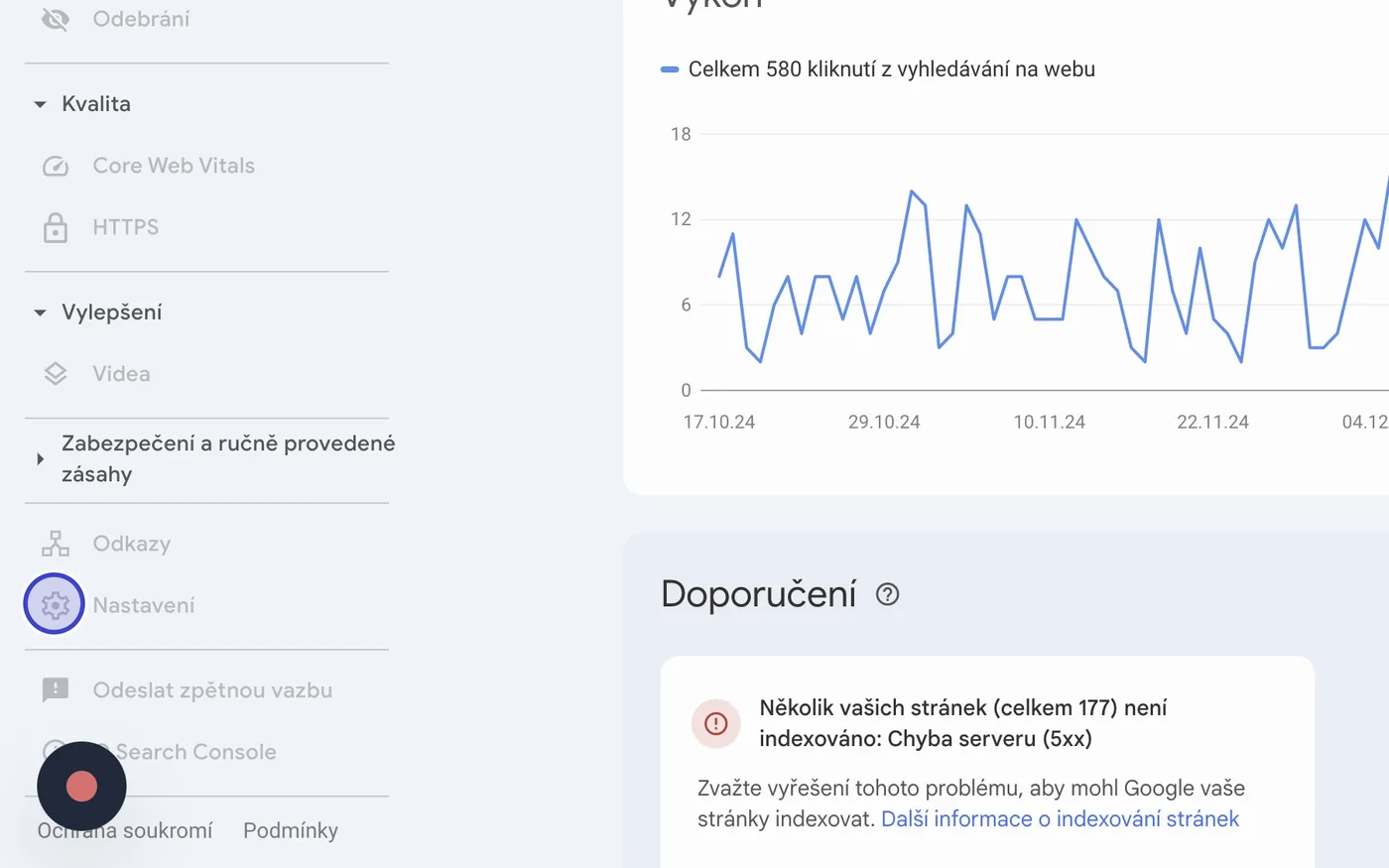
In the left panel, click Settings.
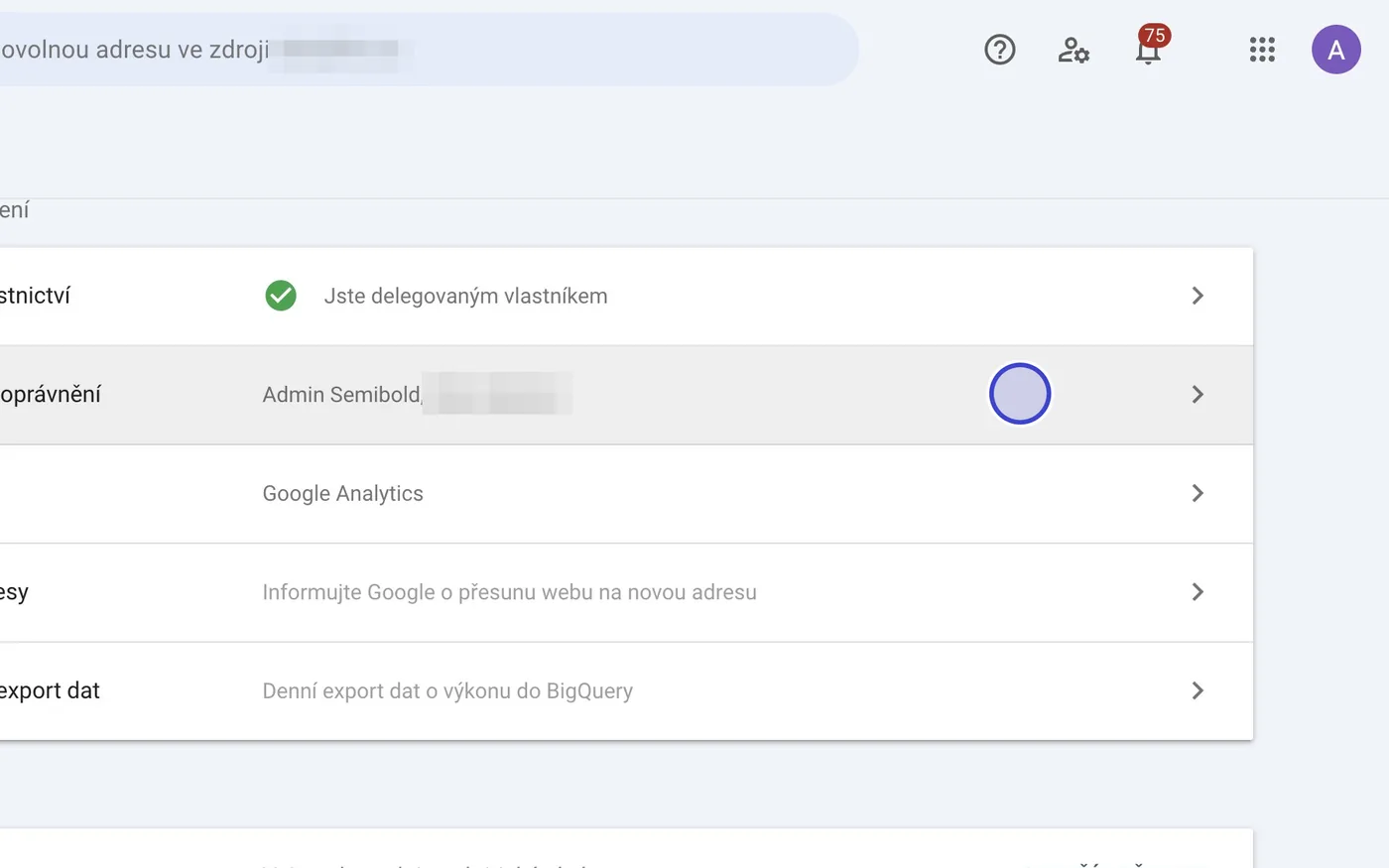
Click Users and permissions.
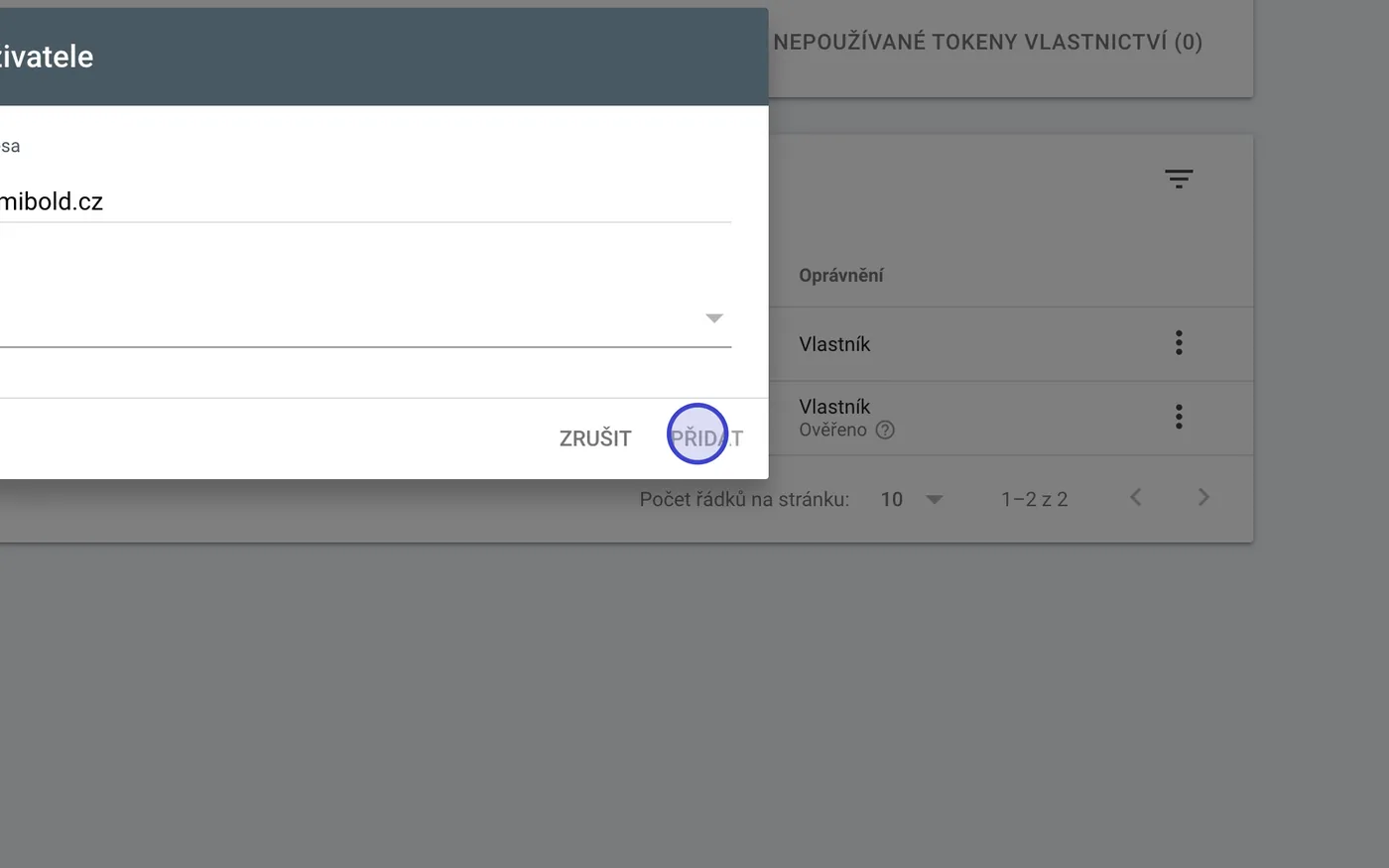
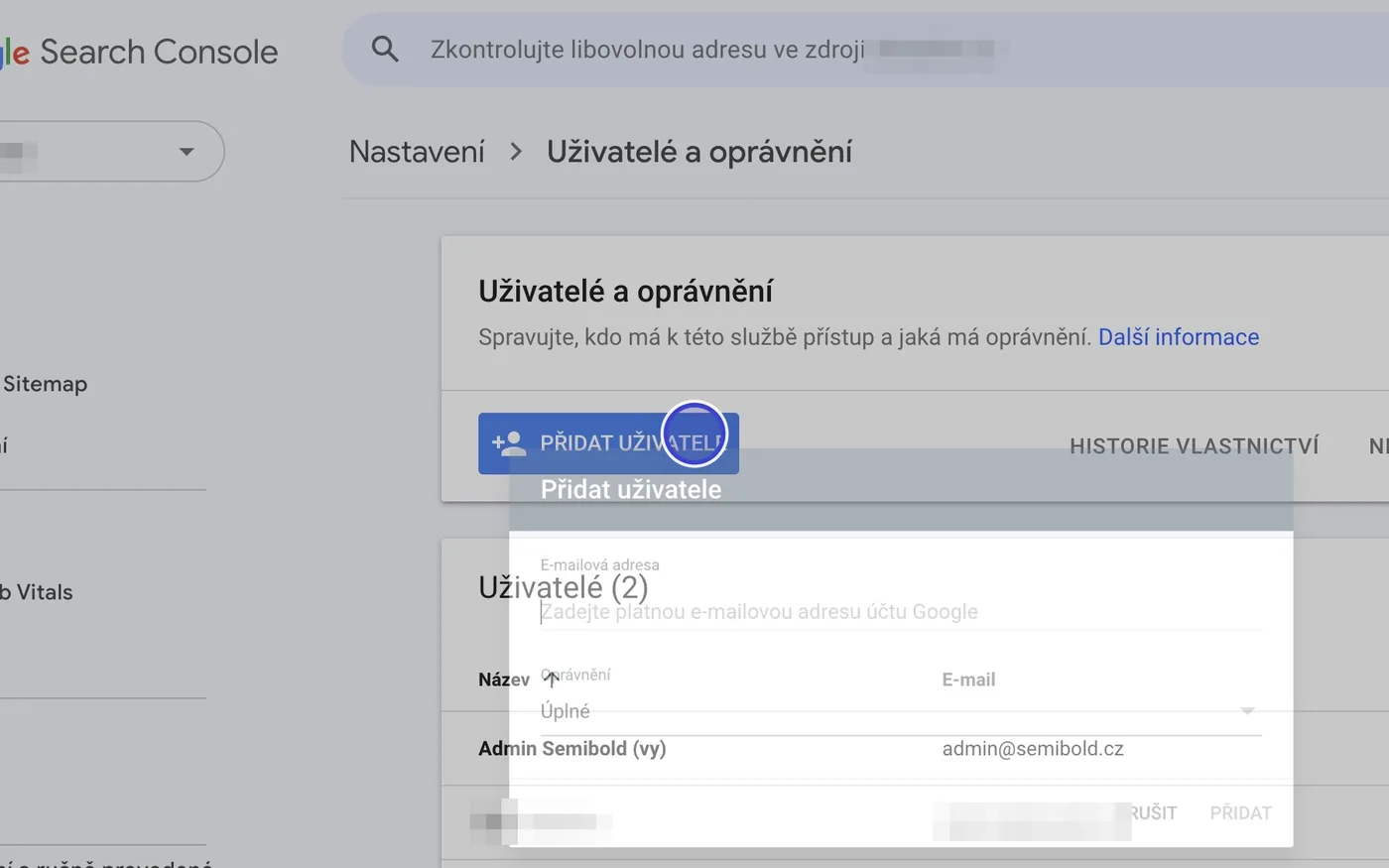
Click ADD USER and enter admin@semibold.cz.
Choose Full permission.
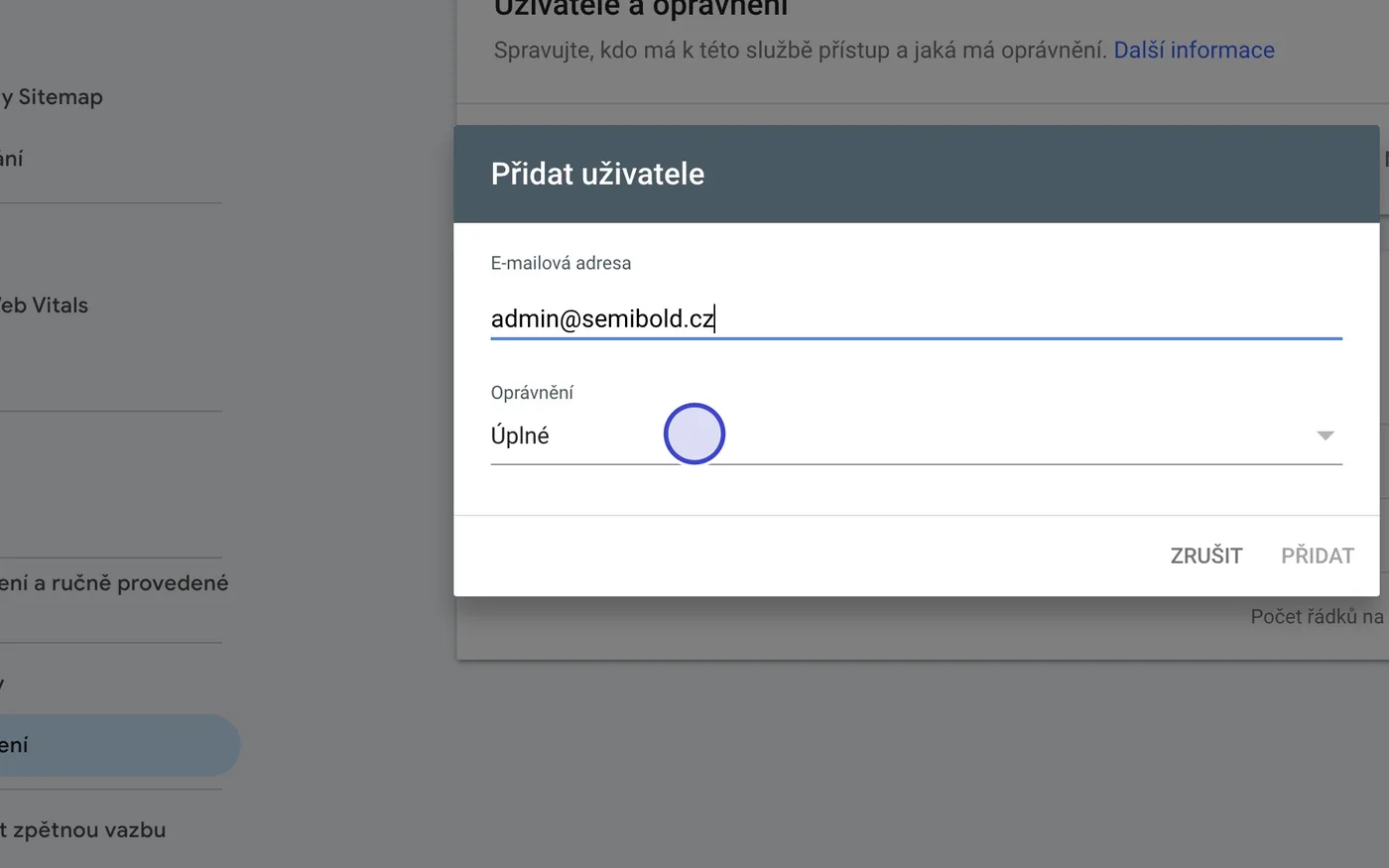
Click ADD.